
Camera Replacement Seattle is about restoring useful coverage and dependable recording with equipment that fits your existing system. A newer camera may offer a sharper picture, but it can still be the wrong purchase if your recorder cannot use it, the cable is damaged, or the original mounting position misses the area you need to see.
For Seattle homes and businesses, a successful replacement starts with three decisions: what must improve, which existing components can remain, and how recording will continue during the change. This guide explains how to plan a targeted camera upgrade, compare proposals, and verify the result before retiring the old equipment.
Camera Replacement Seattle: Define the Reason for the Upgrade
Describe the problem in terms of the footage you need. An entrance camera may lack useful detail, an older unit may no longer receive supported software updates, or a changed property layout may require a different view. These are different requirements and may lead to different solutions.
Confirm the diagnosis before buying equipment. Replacing a camera will not automatically repair a defective cable, inadequate power supply, failed storage drive, or incorrect recording schedule. Ask the assessment to distinguish a camera fault from a problem elsewhere in the system.
The replacement scope should state the intended outcome, such as a usable recorded view of people entering a doorway under the lighting conditions that matter. Avoid approving a model solely because its advertised resolution is higher.
Identify the Existing System Before Choosing a Camera
Record the camera and recorder model numbers, software versions, connection types, and power arrangements. Include the application used for viewing and any features you rely on, such as event searches or remote access. Photographs of equipment labels and accessible connections can help an installer prepare for a site assessment.
- Analog systems: check the video format, resolution, recorder input support, and separate or supported coax-based power arrangement.
- IP systems: check camera integration, network settings, supported video streams, and the recorder or video management software.
- Wi-Fi and cloud-connected cameras: check the supported app, account ownership, storage method, subscription requirements, and power source.
A matching connector or the same manufacturer name is not enough to establish compatibility. Product generations and supported features can differ.
Can You Keep the Existing Recorder?
Often the most useful question is whether the recorder can deliver the required result with the proposed replacement camera. Confirm compatibility for the exact models and software versions before installation.
For a security camera replacement in Seattle, ask the proposal to address:
- Supported camera type, video format, resolution, and frame rate.
- Available recording channels and any additional software licenses.
- Supported compression formats and incoming bandwidth capacity.
- Playback and display capabilities at the proposed recording settings.
- Required events, analytics, audio, or other features, if approved.
- Usable storage and the intended retention period.
For mixed-brand IP systems, check the relevant ONVIF profiles and the official conformance information for the products and software versions involved. Matching profiles supports the functions defined by those profiles; it does not establish that every manufacturer-specific feature will transfer. Verify the actual functions you need.
If the recorder must change, include configuration, storage, user access, and footage preservation in the scope. Replacing the recorder is a larger transition than swapping one camera.
Existing Cabling: Reuse, Adapt, or Replace?
Ethernet and PoE Connections
Existing Ethernet cabling may be reusable when its condition and tested performance meet the new camera’s requirements. Check terminations, route length, environmental exposure, and cable protection rather than assuming that a working old camera proves the link is suitable for every replacement.
For Power over Ethernet, confirm both the supported power standard at each port and the switch’s total power budget. A replacement camera with different power needs may require a switch or injector change even when a spare port is available.
Coaxial Cabling
A coaxial installation does not necessarily require immediate replacement of every cable. Options may include a compatible analog camera upgrade or, in an appropriate design, Ethernet-over-coax equipment for IP cameras. Adapter suitability depends on the cable, distance, power requirements, and supported equipment.
A video encoder is a different option: it converts a supported analog camera’s signal into a network video stream so that a functioning camera can remain in use. It does not turn that camera into a higher-resolution sensor. Compare these approaches with new cabling instead of assuming that an adapter is always the most economical choice.
Mounting and Weather Protection
Check whether the existing bracket and junction box are approved for the replacement model. New hole patterns, cable entries, or housing dimensions can require different mounting hardware. For exposed locations, include the appropriate seals and cable-entry protection rather than reusing damaged parts.
Choose the View Before the Resolution
Decide whether the camera needs to provide an overview or detail at a specific entrance, counter, or driveway. Lens selection, distance, mounting angle, and lighting determine how useful the recorded image will be.
At glass entrances, test how the replacement handles the bright exterior behind a person entering. At nighttime locations, review movement rather than judging an empty scene. Infrared reflections and motion blur can remain problems after a resolution upgrade if the placement and settings are unchanged.
Do not automatically reproduce the old view. If furniture, doors, landscaping, or vehicle routes have changed, reassess coverage. A different mounting position or an additional focused camera may serve the objective better than replacing one wide-angle unit in place.
Plan a Phased Upgrade and Protect Existing Footage
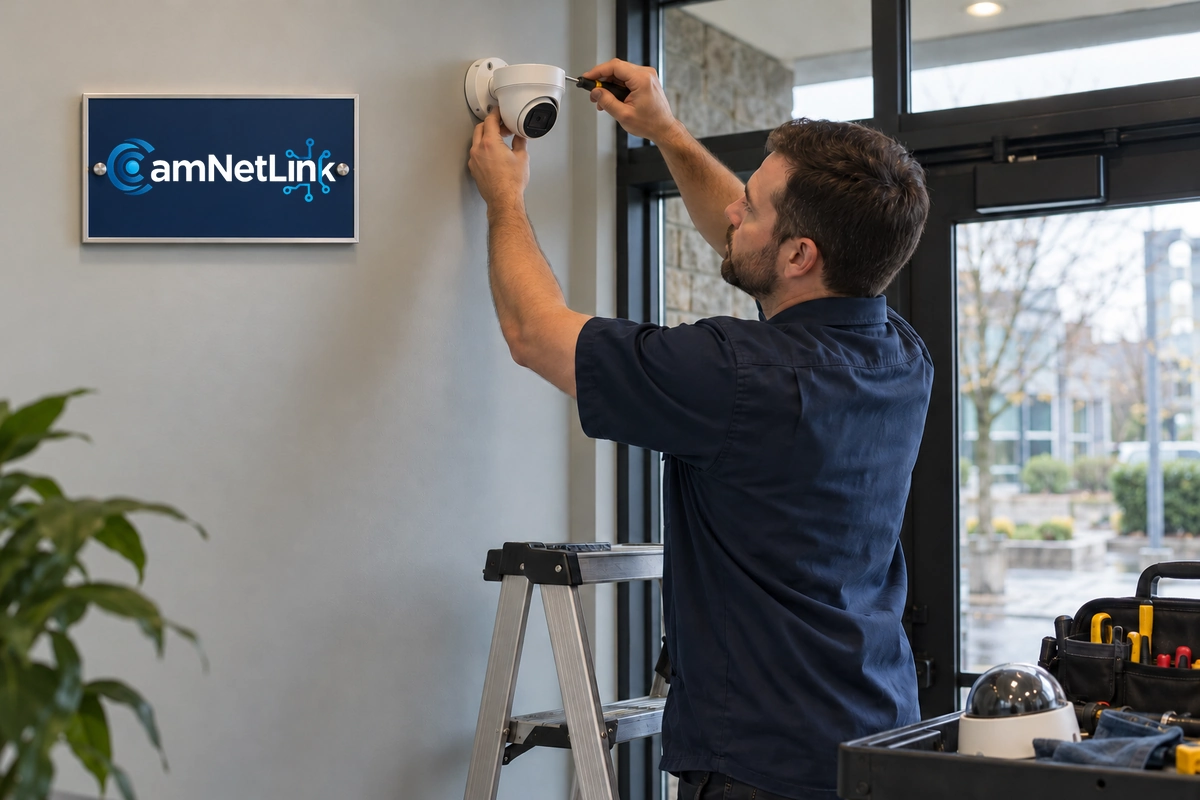
Camera replacement in Seattle can sometimes be completed in stages when the retained equipment remains compatible and useful. Prioritize the views that matter most, then agree on the sequence and any expected recording interruptions.
- Document current camera names, views, recording schedules, and necessary settings.
- Export important footage and verify playback before changing storage or retiring a recorder.
- Confirm the new camera’s integration and required settings before the main changeover.
- Replace the selected camera and verify recording promptly.
- Check the retained cameras after changes to shared equipment.
- Keep the old recording system accessible for the agreed period where needed.
Do not assume that recordings will automatically move to a new platform or that an old hard drive can be inserted into a different recorder. Confirm the supported export or migration method. Decide who will keep the old footage accessible and when the retired equipment can be securely cleared.
Recheck Storage, Software Support, and Access
An upgrade can change the amount of video the system stores. Higher resolution does not produce one fixed storage increase: bitrate, compression, scene activity, and recording settings all matter. Size storage around the proposed configuration and verify actual retention after enough recording history has accumulated.
Review the manufacturer’s software support for both new and retained equipment. Select supported software versions that work with the recording platform, and test the system after updates. A camera that still shows an image may nevertheless need replacement planning if its support has ended.
Confirm account ownership, appropriate user permissions, and the approved remote-viewing method. When equipment is retired, preserve required footage first, then follow the manufacturer’s decommissioning instructions for accounts, settings, and stored data.
Camera Replacement Seattle: What an Estimate Should Include
A useful estimate separates the camera from the work required to integrate it. Ask for:
- Camera model, quantity, and intended view.
- Compatibility checks and a clear list of retained equipment.
- Mounts, junction boxes, cable repairs, adapters, and power equipment.
- Recorder, storage, software, or subscription changes where applicable.
- Access equipment, scheduling, and expected interruptions.
- Configuration, acceptance testing, documentation, and support scope.
- Removal, footage preservation, and disposal responsibilities.
Compare proposals against the same coverage and recording requirements. A lower camera price may exclude integration work or require a separate recorder upgrade.
Acceptance Checks Before the Old Camera Is Retired
Complete a review of the installed system rather than stopping at a live picture:
- Record movement through the intended view and assess the required detail.
- Check relevant daytime and nighttime conditions.
- Verify recording schedules, timestamps, playback, and a sample export.
- Test approved events and notifications separately.
- Confirm that retained cameras still record correctly.
- Verify user permissions and any agreed remote access.
- Document follow-up items, including the later retention check.
Frequently Asked Questions
Can I replace just one camera?
Yes, when the replacement is compatible with the retained recording, cabling, and power equipment. Confirm the exact configuration rather than assuming that every newer camera will work.
Do I need a new recorder for a 4K camera?
Not always. Check supported recording resolution, frame rate, compression, bandwidth, playback, and storage. A camera’s maximum resolution does not establish what your current recorder can use.
Can I reuse coaxial cable for an IP upgrade?
Potentially, with suitable Ethernet-over-coax equipment and an assessed cable route. Compare adapter and power requirements with new Ethernet cabling before selecting the approach.
Will old recordings appear in the new system?
Only if a supported transfer or playback arrangement is confirmed. Preserve important exports and keep the necessary playback software or old recorder accessible before decommissioning it.
How long does camera replacement take?
Timing depends on access, equipment compatibility, cabling, configuration, and the testing required. Request a site-specific schedule that identifies expected interruptions and any later nighttime checks.
Discuss Your Seattle Camera Replacement Project
CamNetLink provides camera installation and replacement among its security camera and network services. Share your current camera and recorder models, the areas needing improvement, and any footage you need to preserve.
For Camera Replacement Seattle, request an assessment and estimate to confirm what can remain and what should change. If the project also requires new coverage, explore security camera installation in Seattle. Call (206) 886-4953 to discuss your requirements.