
Security Camera Maintenance Seattle means checking whether your system still records useful footage, keeps it for the intended period, and lets authorized users retrieve it. A clear live view is encouraging, but it does not confirm that yesterday’s recordings are available or that a moving person will be visible after dark.
This guide gives Seattle homeowners and business managers a practical way to review an existing system, recognize problems, and define the work needed before replacing equipment. Effective security camera maintenance in Seattle combines recording checks, image-quality reviews, cleaning, and follow-up on faults.
Security Camera Maintenance Seattle: Start With a System Review
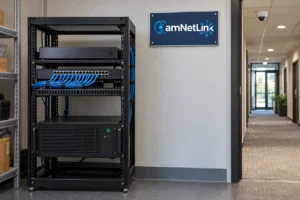
List the cameras, recorder or video management software, storage, and relevant network equipment. Note which cameras record continuously and which record only selected events. Assign someone to review faults and keep a brief maintenance record.
For each camera, identify its purpose: an entrance view, driveway activity, or an overview of a work area. Compare the current view with that purpose. New shelving, vegetation, signs, and changed lighting can make an unchanged camera less useful.
Verify Recordings, Not Just Live Video
During a security camera maintenance check, select each camera and play recent footage. Check another period from the previous day, including an overnight interval if overnight coverage is required. Look for unexplained gaps, frozen images, and recordings that do not match the expected schedule.
Event-only recording requires a different check from continuous recording. An empty timeline can be normal when no qualifying event occurred. Walk through the intended detection area, then confirm that the event produced a usable recording. Test notifications separately; receiving an alert does not prove that its video was saved.
If footage is missing, review the camera’s connection, recording settings, storage status, and system alerts before deciding that the camera has failed. Document which cameras and times are affected. Avoid factory resets or storage formatting as a first response, particularly when existing footage matters.
Check Retention, Timestamps, and Exports
Compare the oldest accessible footage for each required camera with your retention target. A setting that requests a certain number of days does not by itself demonstrate that those days are available.
Retention depends on usable storage, recording settings, and the amount of video generated. Adding cameras or changing image quality can change the storage requirement. Review the consequences before reducing quality or switching to event recording simply to extend retention.
Check the displayed date and time against the correct local time. Review the configured time zone, any applicable daylight-saving settings, and time synchronization rather than manually shifting timestamps without understanding the cause.
Finally, export a short test clip using an authorized account and play it on the device you would use to review an incident. Confirm the correct camera, time interval, and playback. Preserve important recordings separately before routine overwrite; normal recorder retention is not permanent archiving.
Review Image Quality After Dark
Inspect a recording of someone moving through the intended view at night. A sharp image of an empty entrance can conceal motion blur that becomes obvious when a person walks through it. Lighting and exposure settings affect whether moving detail remains useful.
For cameras with built-in infrared illumination, a hazy nighttime image may come from reflected IR light. Dirt, spider webs, water droplets, nearby walls, and reflective surfaces can contribute. A camera can therefore look acceptable during daylight while performing poorly at night.
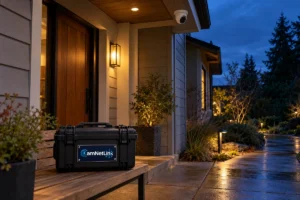
For outdoor security camera maintenance in Seattle, include a nighttime review as well as a daytime inspection. Clean and inspect the exterior according to the model’s instructions, then retest. If the problem persists, have the lighting, mounting position, and settings assessed together. Increasing resolution alone does not resolve reflected light or motion blur.
Clean and Inspect Without Damaging the Camera
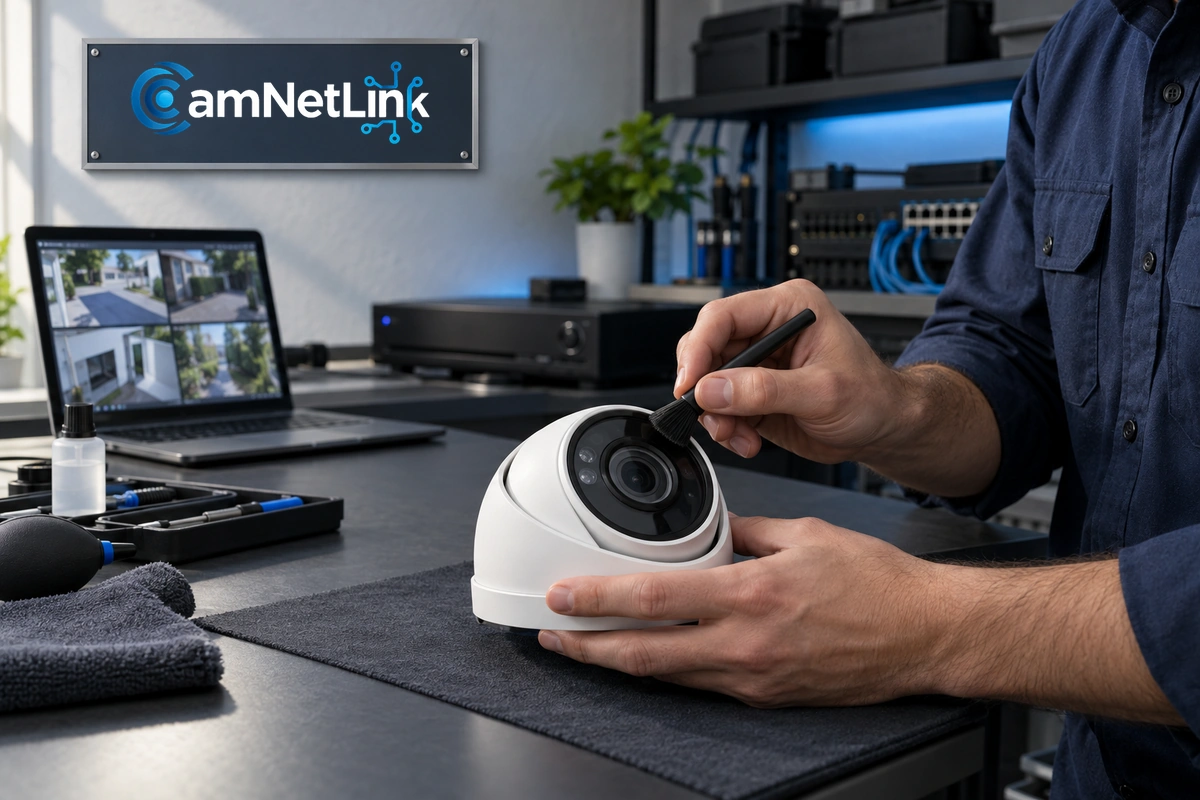
Follow the manufacturer’s cleaning instructions for the lens cover, dome, and housing. Use approved materials and avoid abrasive cloths or unapproved chemicals. Different protective surfaces and coatings may require different care.
Check accessible mounting points, housings, and cable protection for visible damage. Moisture inside a housing is different from droplets on its exterior and warrants investigation of the enclosure and seals. Do not open sealed equipment or disturb electrical connections without the appropriate knowledge and access arrangements.
Leave high-mounted cameras and difficult access work to suitably equipped professionals. Record what was cleaned or adjusted so that a recurring problem can be identified.
Investigate Repeated Disconnections
Note whether one camera drops out or several fail together. For an IP system, assess network connectivity and power as well as the camera. With Power over Ethernet, suitable cabling and adequate switch power are part of the connection.
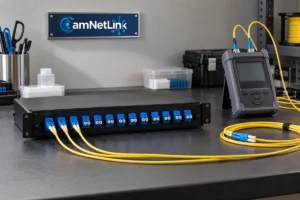
A fault affecting several cameras deserves a review of shared equipment rather than immediate replacement of every camera. Check logs and accessible connections, and ask for a targeted diagnosis. If permanent cabling needs investigation, our Cat6 network cabling guide explains why basic connectivity and cabling certification are different checks.
Maintain Software and Authorized Access
Keep an inventory of camera, recorder, and software versions. Review the manufacturer’s supported updates and compatibility requirements. Schedule changes with the person responsible for the system, allowing for any recording interruption.
After an update, verify connections, recording, playback, and relevant integrations. A successful installation message is not a substitute for confirming operation.
Review user accounts when responsibilities change, remove access that is no longer required, and keep viewing, exporting, and administration permissions appropriate to each role. Remote access should use a supported, approved method. Unsupported equipment should be assessed for replacement even if it still produces an image.
Security Camera Maintenance Seattle: A Reusable Checklist
Use this security camera maintenance checklist to record checks and assign follow-up work. Set a review frequency that reflects the importance of each view, environmental exposure, manufacturer guidance, and the consequences of missing footage. There is no single interval suitable for every property.
- Confirm each view still covers its intended area.
- Play recent recordings and investigate unexpected gaps.
- Check retention, storage alerts, and timestamps.
- Test relevant events, notifications, and a sample export.
- Review nighttime footage with movement in the scene.
- Inspect accessible housings and connections.
- Review supported updates and account permissions.
- Record faults, changes, and follow-up responsibilities.
Repeat relevant checks after building work, changes to camera views, network modifications, or a reported recording problem rather than waiting for the next routine review.
Frequently Asked Questions
Does a working live view mean the system is recording?
No. Live viewing and recording are separate functions. Confirm saved footage through playback and check the configured recording method.
Should a blurry camera always be replaced?
No. Investigate contamination, focus, lighting, reflections, and mounting before replacing it. The diagnosis should identify why the current image is unsuitable.
How often should security cameras be checked?
Set the security camera maintenance schedule around your coverage needs, manufacturer instructions, and exposure to dirt or weather. Check recording faults promptly and repeat relevant tests after a system change. Avoid assuming that every property needs the same interval.
How much does security camera maintenance cost in Seattle?
The scope determines the cost. Camera quantity, access difficulty, fault diagnosis, storage work, and replacement parts can differ significantly. Request an estimate that separates inspection, corrective work, and any equipment.
Request a Review of Your Seattle Camera System
For security camera maintenance in Seattle, CamNetLink lists maintenance, troubleshooting, and existing-system upgrades among its security camera and network services. Describe the equipment and symptoms so the team can confirm the suitable scope.
If the review identifies a need for additional coverage or replacement, explore security camera installation in Seattle. For maintenance inquiries, contact CamNetLink for an estimate or call (206) 886-4953.